















Your business. Connected.
POS · Inventory · Online Store · Customer Loyalty

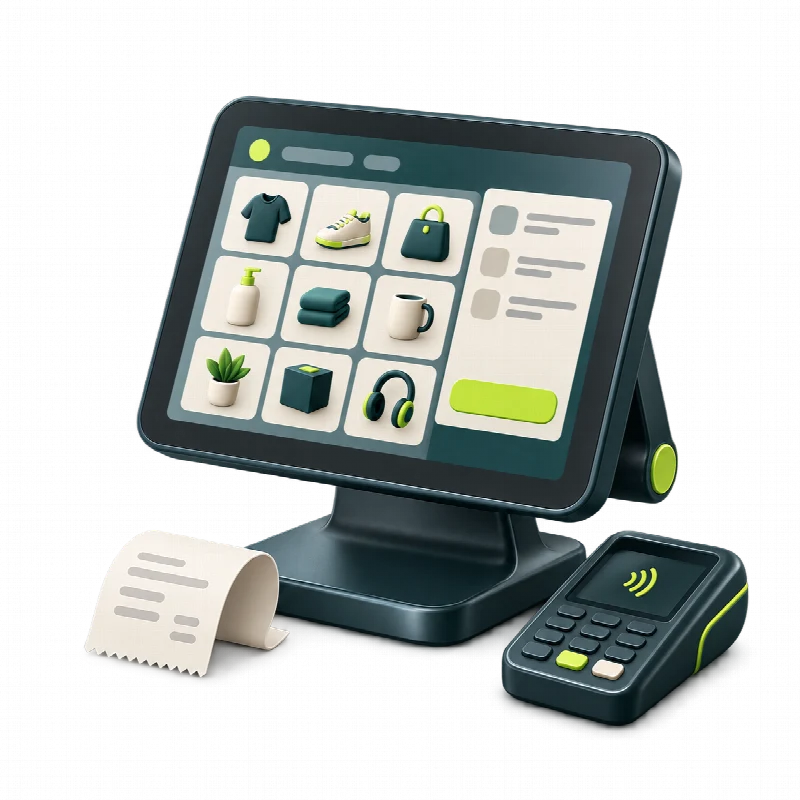
POS & Payments
Keep your checkout moving with sales and payments in one connected workspace. Manage everyday transactions and follow sales activity without switching between separate tools. Connect your checkout with product and customer information to give your team a clearer view of each sale.
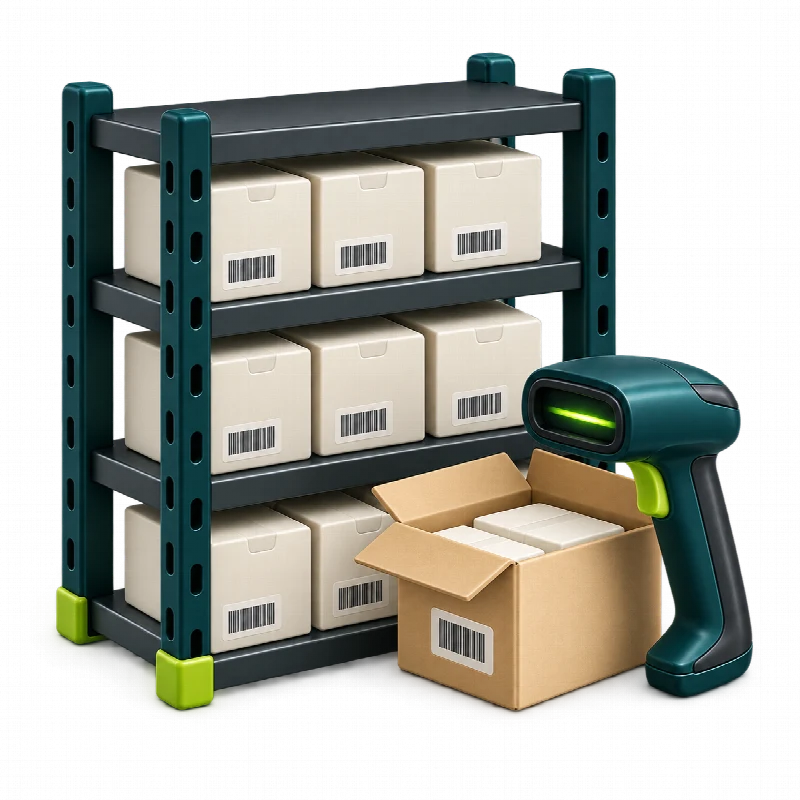
Inventory & Purchasing
Keep stock and purchasing connected across your business. Track product movements, organise supplier orders and manage replenishment from one workspace. Give your team a clearer view of what is available and what needs attention, with inventory linked to your daily sales operations.


Online Store & Orders
Bring your store online and manage products and incoming orders alongside your retail operations. Keep your online sales connected with stock and everyday workflows, so your team can follow orders from one workspace and spend less time coordinating separate systems.
AI & Business Insights
Turn business data into a clearer picture of how your store is performing. Explore sales and stock trends through reports and AI-assisted insights. Use that context to identify areas that need attention and make better-informed decisions about your next steps.


Customers & Loyalty
Build lasting relationships with customer information, loyalty and campaigns in one place. Give your team useful context for everyday customer interactions and organise activities that encourage repeat visits. Keep customer engagement connected with the rest of your retail operations.
Finance & Accounting
Make day-to-day finances easier to follow with income, expenses and transaction records organised in one workspace. Keep financial information connected with sales and purchasing, so your team can review business activity with more context. Bring greater clarity to your everyday financial administration.

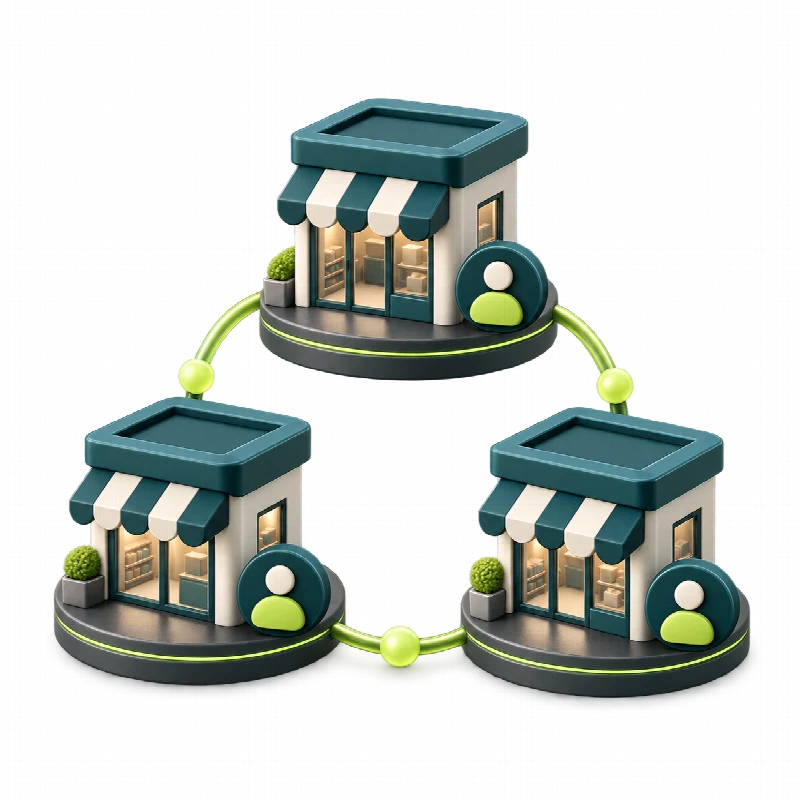
Branches & Teams
Keep your people and locations connected as your business grows. Coordinate branches, team responsibilities and access from one workspace, with a shared view of everyday operations. Help each team find the information relevant to their role while keeping management informed across locations.

Meet Grosa. See the bigger picture.

Business management software for your daily work
From everyday essentials to specialist services, Grosa connects the tools your business uses to sell, manage stock and serve customers.

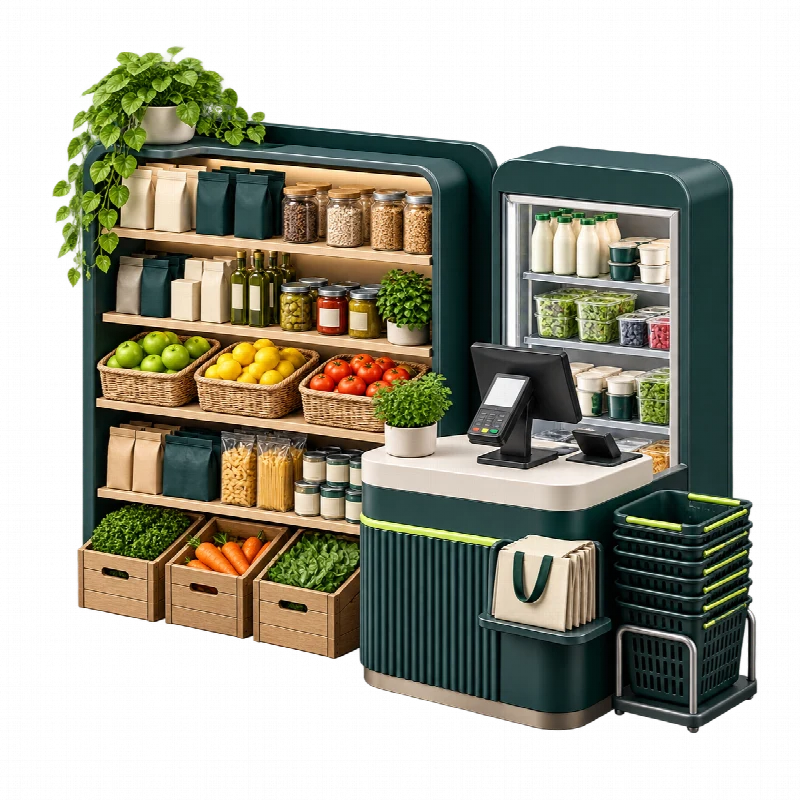
Market & Grocery
Keep your shop’s daily essentials organised, from checkout and product records to stock and supplier orders. Connect sales with inventory so your team can follow product movements and manage replenishment with a clearer view of everyday demand.

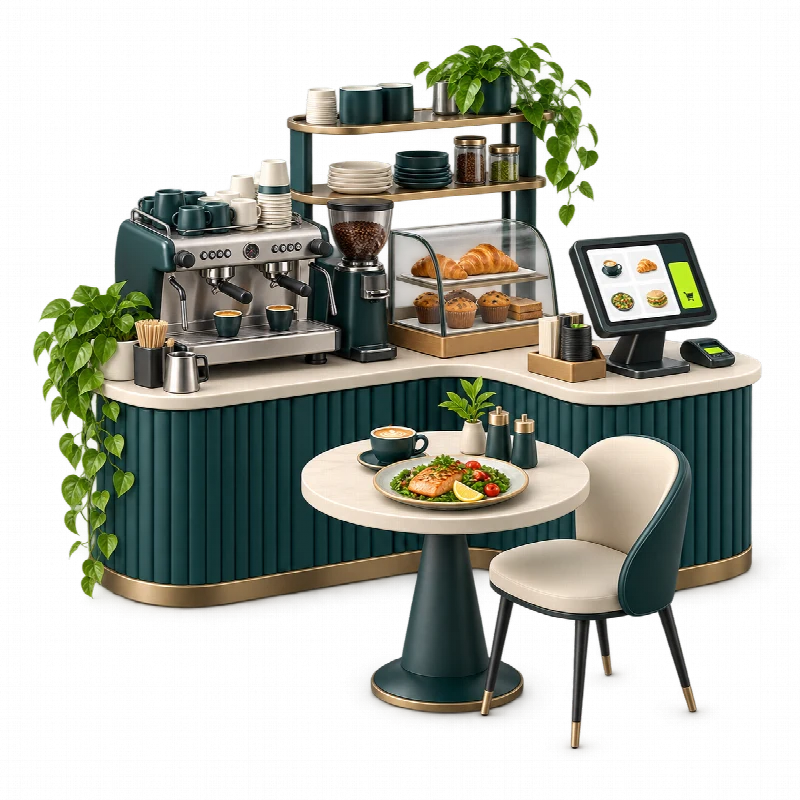
Restaurants & Cafés
Bring orders, payments and daily operations together in one workspace. Keep product and stock information connected with sales, helping your team follow service activity and coordinate the everyday work behind your restaurant or café.

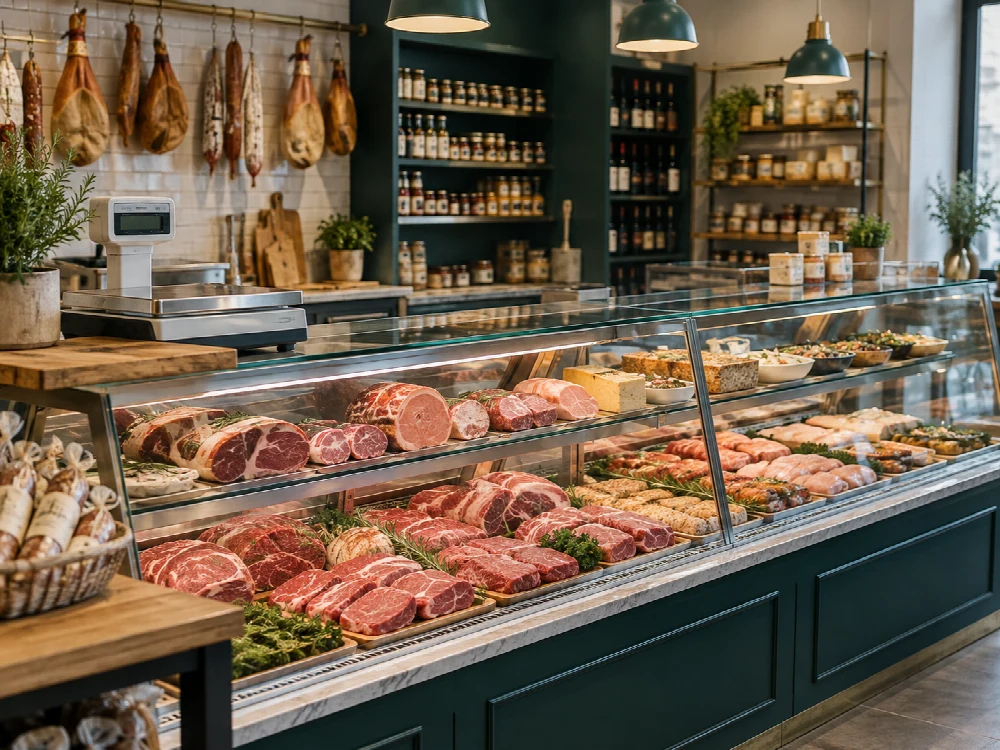
Butchers & Delis
Keep products, stock movements and purchasing organised alongside your daily sales. Give your team a clearer view of available items and supplier orders, helping specialist food businesses manage the details that keep their counters running.

Retail & Fashion
Connect your shop floor, online store and customer relationships. Manage products, sales and stock from one workspace, with loyalty and customer information alongside everyday operations. Keep your team informed as your business grows across channels and locations.

Salons & Beauty
Keep customer information, product sales and team responsibilities connected. Organise retail stock and everyday transactions while building stronger customer relationships through loyalty and campaigns. Give your team a shared workspace for the business side of your salon.
Explore what Grosa can do
Sales & POS
- Sales transactions — record everyday checkout activity
- Payment records — follow payments linked to sales
- Cash sessions — organise daily register activity
- Product selection — work from a connected product catalogue
- Customer context — link sales with customer information
- Transaction history — review previous sales records
Inventory
- Product records — organise your retail catalogue
- Stock movements — follow incoming and outgoing products
- Stock levels — review available inventory
- Purchasing context — connect stock with supplier orders
- Sales context — follow inventory alongside transactions
- Branch stock — organise inventory by business location
Online Store & Orders
- Online storefront — present your products online
- Product catalogue — organise items for online selling
- Incoming orders — follow online order activity
- Order records — review customer order information
- Delivery workflows — organise order fulfilment activity
- Retail connection — keep online selling alongside store operations
Customers & Loyalty
- Customer records — organise contact information
- Sales context — follow customer-related transactions
- Loyalty — manage customer loyalty activity
- Campaigns — organise customer engagement initiatives
- Customer groups — work with organised customer information
- Shared workspace — give your team useful customer context
Insights & Reports
- Sales reports — review transaction activity
- Stock insights — explore inventory information
- Business analytics — examine operational trends
- AI-assisted insights — explore your data with additional context
- Branch context — compare activity across locations
- Connected information — review data from daily operations
Finance & Accounting
- Income records — organise incoming business amounts
- Expense records — follow everyday spending
- Transaction context — connect finances with sales activity
- Purchase context — review supplier-related activity
- Financial overview — follow income and expenses together
- Accounting records — keep supporting business information organised
Branches
- Branch records — organise your business locations
- Location context — follow activity by branch
- Sales overview — review transactions across locations
- Inventory context — follow stock by location
- Team connection — coordinate people across branches
- Management view — stay informed across your business
Teams & Access
- Team records — organise your people
- Responsibilities — coordinate everyday team roles
- User access — manage access to the workspace
- Branch connection — organise teams across locations
- HR information — keep employee-related records organised
- Shared operations — help teams work from connected information
Purchasing & Suppliers
- Supplier records — organise supplier information
- Purchase orders — record purchasing activity
- Order details — follow products ordered from suppliers
- Stock connection — keep purchasing alongside inventory
- Supplier context — review supplier-related activity
- Financial context — connect purchasing with business records
- Sales & POS Keep everyday sales and checkout activity connected.
- Inventory Follow stock across your retail operations.
- Online Store & Orders Bring online selling into your everyday workflow.
- Customers & Loyalty Build relationships with customer information in context.
- Insights & Reports Explore the information behind your business activity.
- Finance & Accounting Organise the financial side of everyday operations.
- Branches Coordinate operations across your business locations.
- Teams & Access Give your people the context they need to work together.
- Purchasing & Suppliers Keep supplier activity connected with stock.
Why choose Grosa?
One Connected Workspace
Bring sales, stock, customers and financial records into one connected workspace. Give your team the context they need for everyday tasks and make it easier to follow how different parts of your business work together.
Built Around Your Business
Every business has its own daily rhythm. Grosa brings together tools for retail, food businesses and service-led operations, helping your team organise the work that matters to your sector while keeping the wider business connected.
Clarity for Better Decisions
See everyday business activity with more context. Reports, sales and stock insights help you understand trends and identify areas that need attention, so your next decision starts with a clearer picture of what is happening.
From Store to Online
Keep your physical shop and online selling connected. Manage products and incoming orders alongside retail operations, giving your team a shared view of sales channels and helping them coordinate the work behind each customer order.
Teams Working Together
Keep branches, team responsibilities and user access organised as part of everyday operations. Help your people work from connected information while giving management a clearer view of activity across locations and the roles that support them.
Room to Grow
Keep your operations connected as you add products, sales channels or business locations. Grosa brings branches, teams and everyday workflows into one workspace, helping you coordinate a growing business with a clearer view of its moving parts.
CONNECTED TOOLS FOR EVERYDAY BUSINESS
A closer look
Business management software: four useful connections
Use these working examples to review business management software in the context of your operation. Confirm essential requirements in your walkthrough and proposal.
From a sale to the stockroom
Business management software is most useful when a sale makes sense alongside the product it concerns. A product name, selling unit and branch should mean the same thing to the person at checkout and the person checking stock.
Review a familiar sale with your team: which record starts the transaction, who checks availability and how do you follow the result? Grosa brings these related areas into the platform conversation, helping you evaluate a connected workflow rather than isolated screens.
From an online order to the store
Your website and physical operation share a business context, even when their daily routines differ. Online descriptions, product availability and fulfilment responsibilities need clear ownership. With business management software, the important question is how the people behind those tasks work together.
Explore the Grosa online store alongside your product and inventory needs. Agree which records are required, what your team will maintain and how the order journey should be reviewed before choosing your setup.
From customer context to better service
Customer information should help the team serve people without creating unnecessary records. Think about the details needed for a sale, the role of loyalty in your operation and which colleagues need access. Business management software also needs to fit your approach to collecting and maintaining information.
Use a demonstration to distinguish everyday customer service from optional campaigns or specialist requirements. Start with ordinary situations, then discuss the permissions and configuration your chosen workflow would need.
From a growing team to a clear scope
A connected operation still needs defined responsibilities. Count the people, products and locations that will use the workspace, then compare these with the published plans. Business management software should be evaluated against both your current operation and a realistic next stage.
Separate the core subscription from optional industry modules, devices and implementation work. A written proposal can then confirm the relevant scope, assumptions and next steps instead of leaving your team to infer them from a headline price.
- Tell us about your business
- Explore relevant Grosa modules
- Discuss your daily workflows
- Plan your next steps


